


 Απλή και γρήγορη πληρωμή
 Εκπτωτικά Κουπόνια
 Εύκολη παρακολούθηση παραγγελίας
 Εξατομικευμένες αγορές
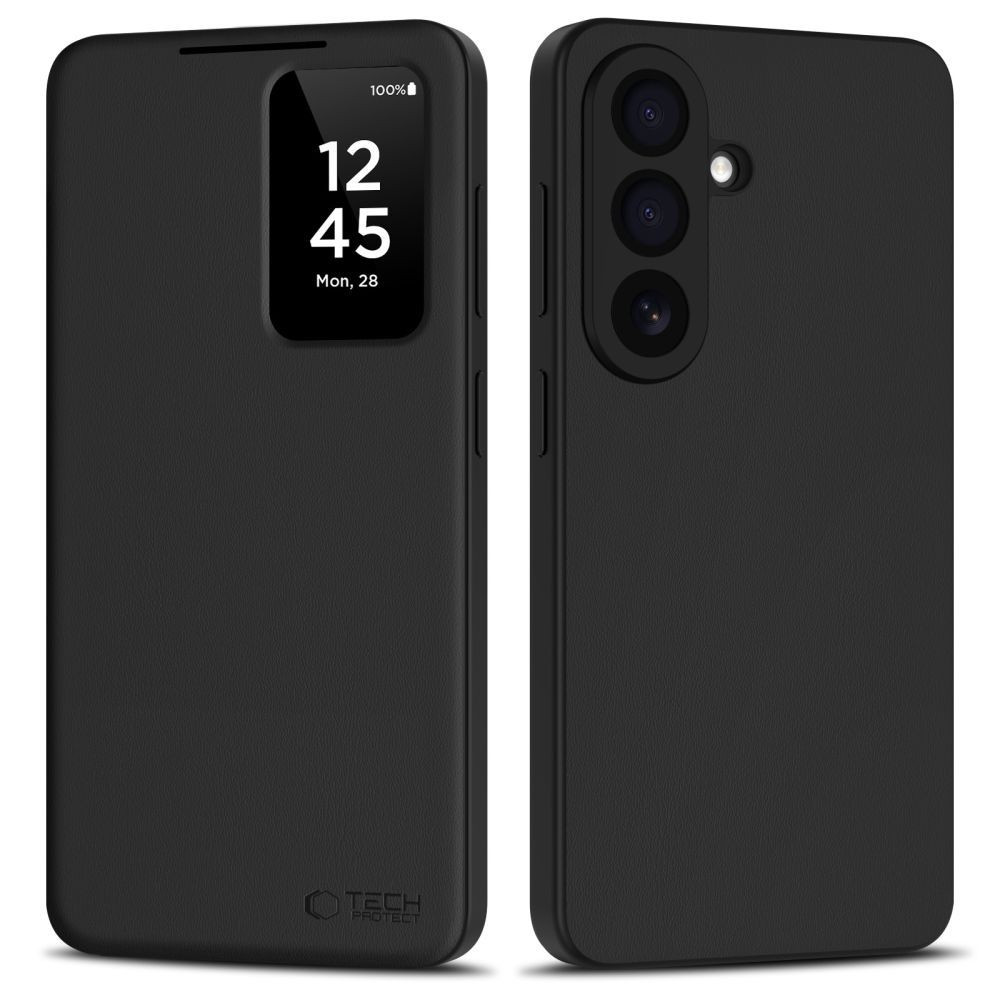

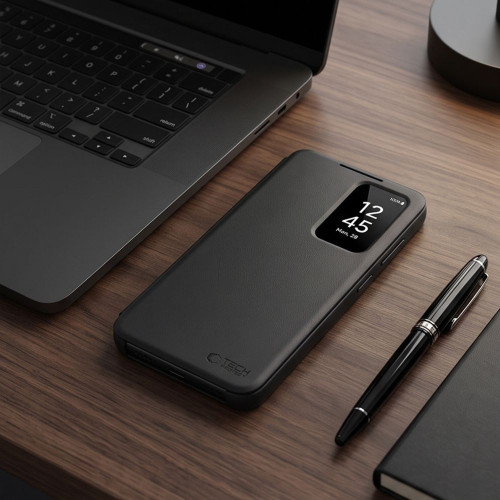
Tech-Protect Smart Wallet Samsung Galaxy A27 5G Matte Black


Χρειάζεσαι Βοήθεια; Συμπλήρωσε τα στοιχεία σου για να σε καλέσουμε άμεσα!
TBI Bank
Buy Now Pay Later.

4 δόσεις 0% επιτόκιο, 20€ έως 300€
3 έως 60 δόσεις 300€ έως 100.00€
- 1. Αποστολή με ACS Courier
- 2. Αποστολές με μεταφορικές εταιρίες για ογκώδη αντικείμενα
-
3. Παραλαβή από αυτόματο μηχάνημα BoxNow:
Με την BoxNow μπορείς να παραλάβεις το δέμα σου από Αυτόματο Μηχάνημα Παραλαβής που βρίσκεται κοντά σου, όλες τις ώρες της ημέρας 24/7. Η υπηρεσία έχει χρέωση 3€. Υπάρχει δυνατότητα αντικαταβολής με επιπλέον χρέωση 1€.
-
4. Παραλαβή από το κατάστημα:
Λεωφ. Ελ. Βενιζέλου 73(πρώην Θησέως), Καλλιθέα
Συμπληρώστε τον ταχυδρομικό κωδικό για να λάβετε εκτίμηση τρόπου και κόστους μεταφορικών.
Product Description
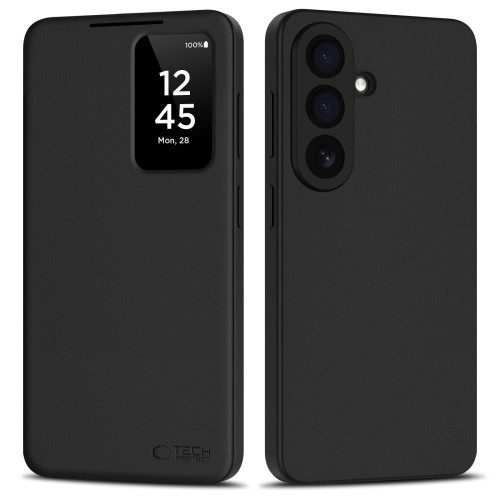
Tech-Protect Smart Wallet is an elegant and functional case that combines a stylish appearance with a high level of protection for your smartphone. Made from durable materials, it protects the device from scratches, impacts, and everyday damage. It features a built-in pocket for cards or cash, making it a perfect substitute for a traditional wallet.
Functionality
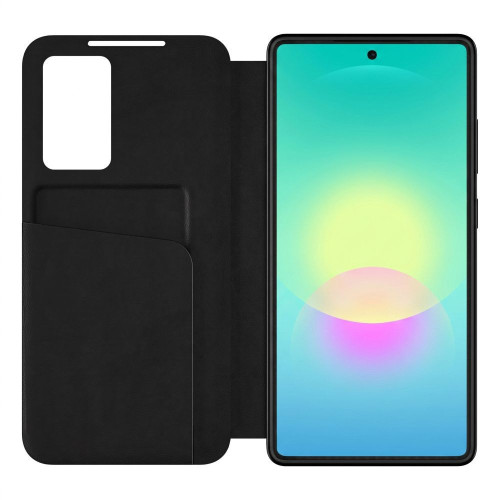
Thanks to the practical window on the front flap, users have quick access to the time, date, and notifications without needing to open the case. The Smart Window feature works with a dedicated app, allowing for the customization of displayed information. Precise cutouts enable easy access to buttons, ports, and the camera.
Design and Construction
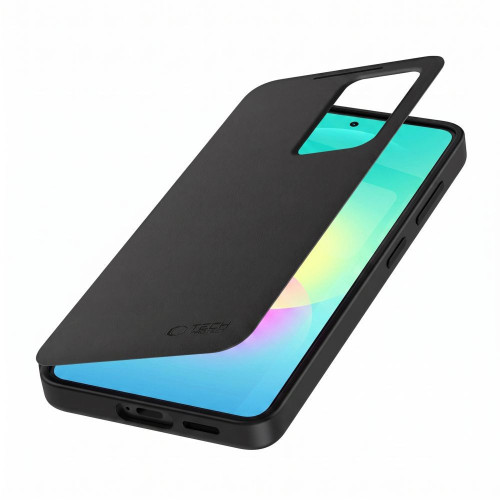
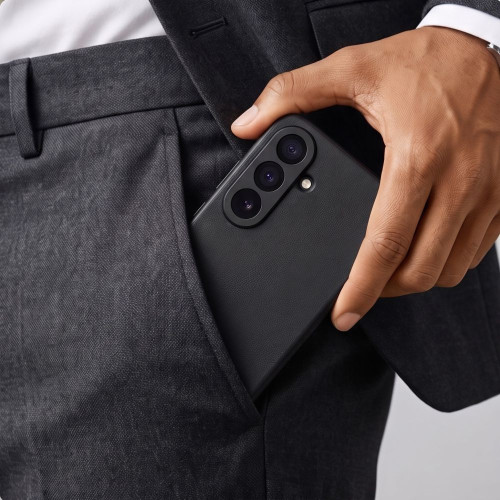
The slim design ensures that the case fits perfectly in the hand and does not significantly bulk up the phone, making it an excellent choice for everyday use. The magnetic closure provides secure protection for the phone while allowing quick and convenient access to the device.
Product Features
- 100% Original
- Packaged in original packaging
- Smart Window feature
- Built-in pocket for cards and cash
- Access to information without opening
- Precise cutouts
- Slim design
- Stylish and elegant design
Specifications
| Model | Smart Wallet |
| Construction | Flip case |
| Function | Smart Window |
| For cards and cash | |
| Compatibility | Samsung Galaxy A27 5G |
Package Includes
- 1× Tech-Protect Smart Wallet Case
Setup Instructions
- Download the app. Scan the QR code in the instructions, then download and install the app in your browser.
- Set up the app. After installing the software, open the app (APP), activate it, and configure it according to the instructions displayed on the screen.
- Run the software. Launch this software to maintain the operation of smart features.
Αξιολογήσεις
Περιγραφή
Product Description
Tech-Protect Smart Wallet is an elegant and functional case that combines a stylish appearance with a high level of protection for your smartphone. Made from durable materials, it protects the device from scratches, impacts, and everyday damage. It features a built-in pocket for cards or cash, making it a perfect substitute for a traditional wallet.
Functionality
Thanks to the practical window on the front flap, users have quick access to the time, date, and notifications without needing to open the case. The Smart Window feature works with a dedicated app, allowing for the customization of displayed information. Precise cutouts enable easy access to buttons, ports, and the camera.
Design and Construction
The slim design ensures that the case fits perfectly in the hand and does not significantly bulk up the phone, making it an excellent choice for everyday use. The magnetic closure provides secure protection for the phone while allowing quick and convenient access to the device.
Product Features
- 100% Original
- Packaged in original packaging
- Smart Window feature
- Built-in pocket for cards and cash
- Access to information without opening
- Precise cutouts
- Slim design
- Stylish and elegant design
Specifications
| Model | Smart Wallet |
| Construction | Flip case |
| Function | Smart Window |
| For cards and cash | |
| Compatibility | Samsung Galaxy A27 5G |
Package Includes
- 1× Tech-Protect Smart Wallet Case
Setup Instructions
- Download the app. Scan the QR code in the instructions, then download and install the app in your browser.
- Set up the app. After installing the software, open the app (APP), activate it, and configure it according to the instructions displayed on the screen.
- Run the software. Launch this software to maintain the operation of smart features.


